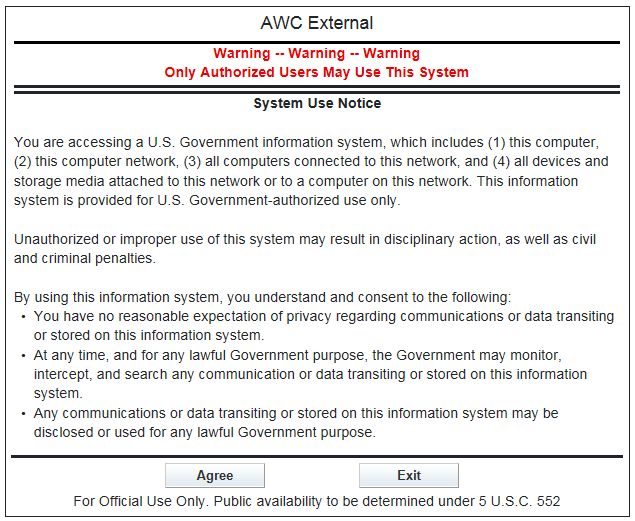
Splash Screen (System Use Notice)
Before the Login page displays, the system displays the "System Use Notice" which you MUST accept to gain access to the login for the Airworthiness Certification (AWC) Applicant Portal. The message is as follows:
NOTE: You must first register for access to the AWC Applicant Portal. For a new user, click the New User Sign-Up to register for access to the AWC Applicant Portal. See User Registration. For help with a forgotten password, see Forgot Password.
AWC Applicant Portal Login
The following section describes the login process for the AWC Applicant Portal. Mandatory fields are indicated with a red asterisk (*) on the screen.
To access the AWC Applicant Portal:
To update your user information, security questions or password after logging into the AWC Applicant Portal, see My Profile.